VIPorbit iPhone 2.0 New Features
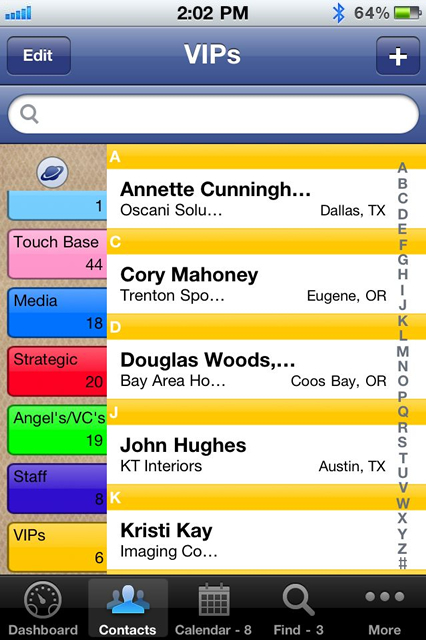
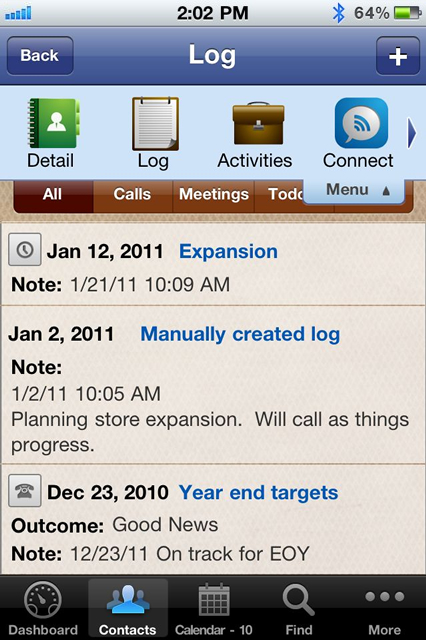
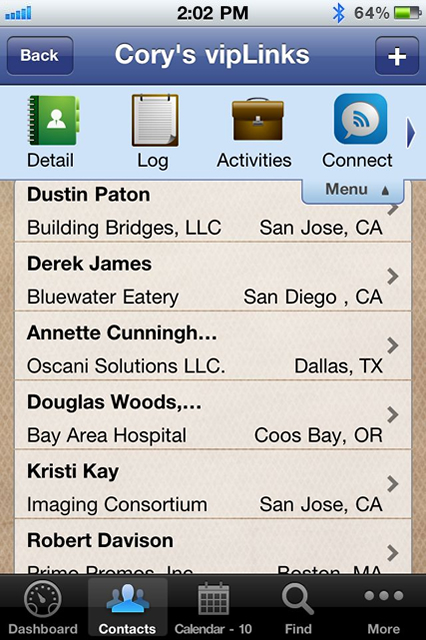
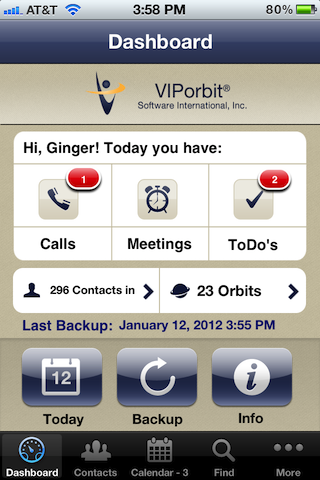
- An updated, clean-look user interface with an easy-to-use Contact Dashboard
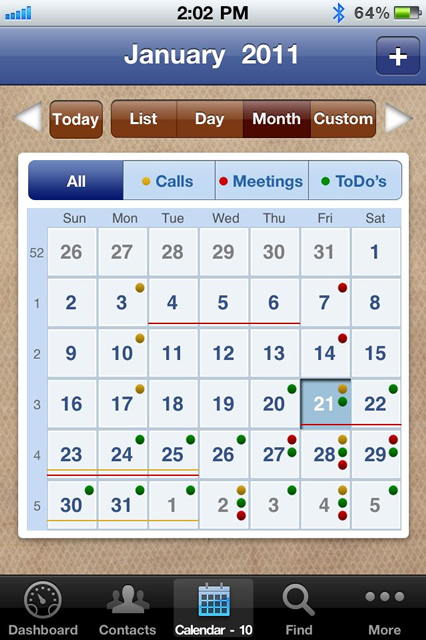
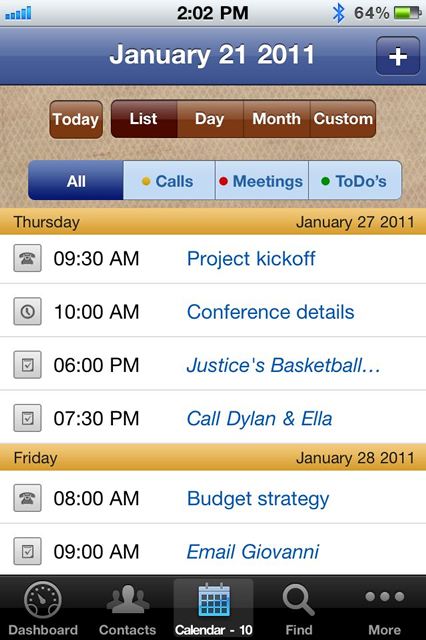
- A Today button to go straight to all of your activities for the day
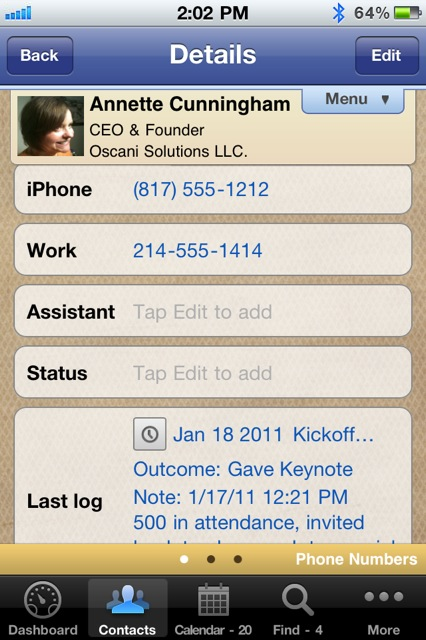
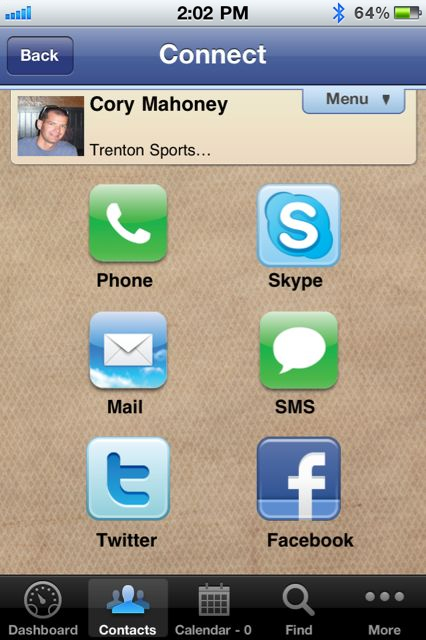
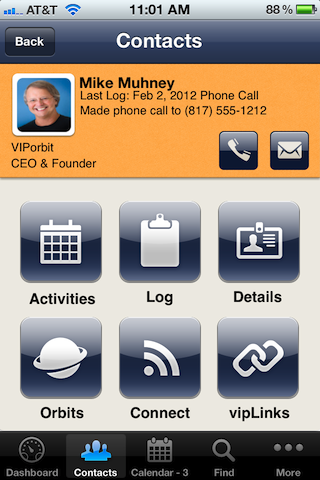
- Contact screen: drop-down menu is gone replaced by a Contact Summary with quick-tap Call and Email buttons at the top
- Tapping the Orbit icon on the Contact List toggles between an alphabetical and user-defined Orbit list order
- Completing Activities
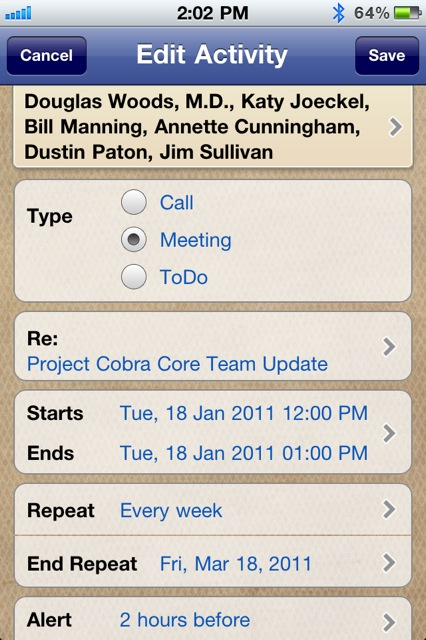
- Tap a new Follow-up button when completing an activity to schedule a follow-up
- Records all contacts in each person's Log who were participants in that activity
- A new reported added - Completed Activities - which compiles completed activities for all contacts, an Orbit, or a custom Find and also by a custom date range
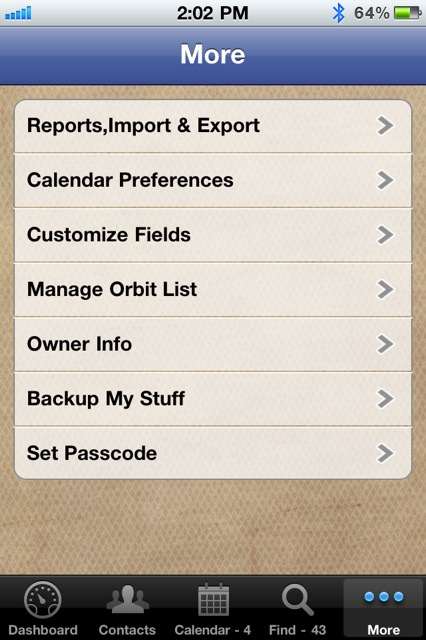
- New tasks for entire Orbits include:
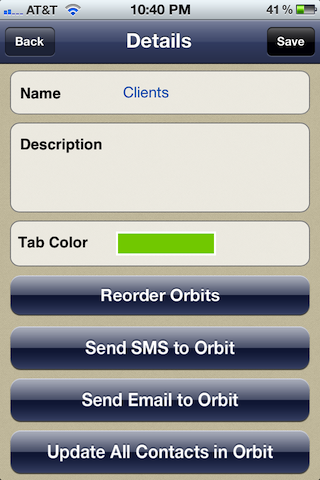
- Send Email or SMS to all contacts in the Orbit
- Note: The first email or phone for the contact defaults to Primary for these bulk tasks. Only one can be the primary. Before sending an email or an SMS to the Orbit it's recommended to review the values designated as primary. A log entry will be added to each contact that it was sent or not sent (if for example a contact didn't have any email addresses).
- Regarding Group SMS messages: Due to an issue introduced in iMessage in iOS 5, if you want to send messages to a group of people you must change your Settings > Messages to:
- Turn off "iMessage"
- Turn off "MMS Messaging"
- Turn off "Group Messaging"
- Update contact data for the entire Orbit for all the contacts within
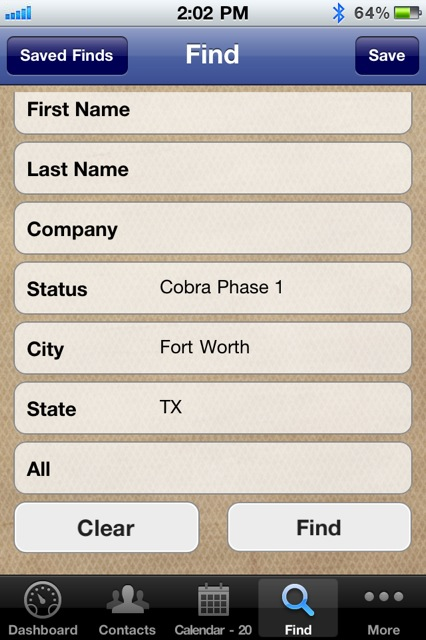
- Country added to Find search criteria

- Experience you can Trust.