Using the Calendar
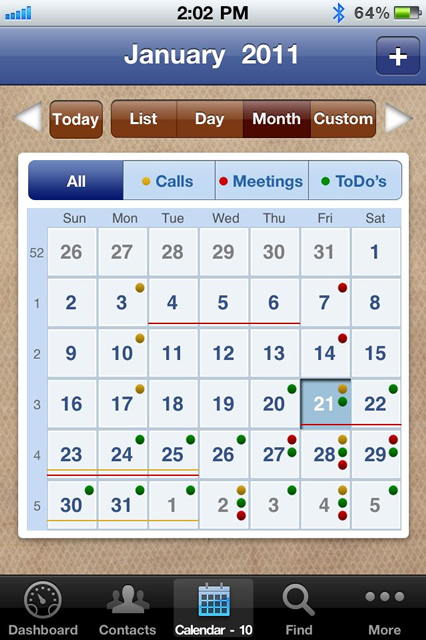
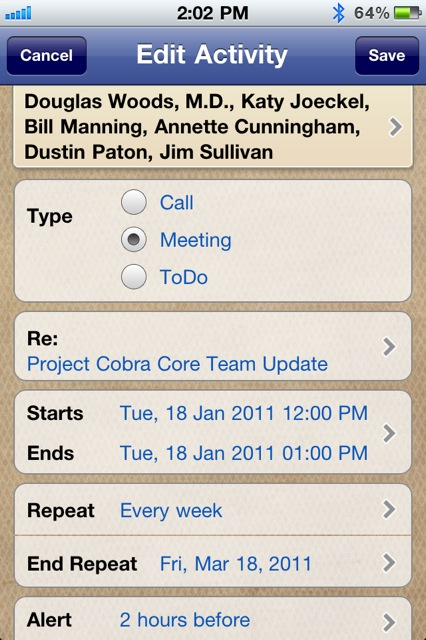
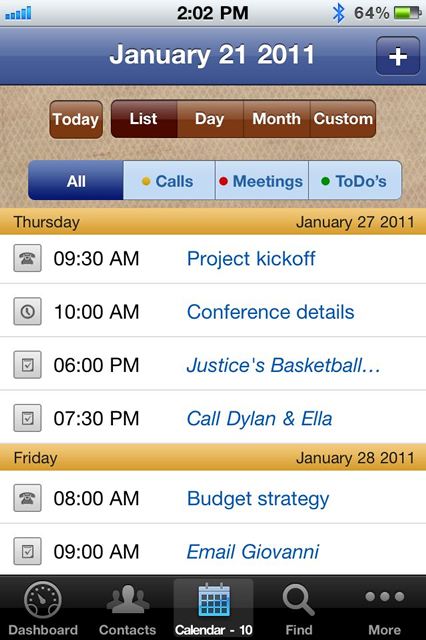
The calendar is your hub for all of your Calls, Meetings and ToDo's. It not only shows the activities you schedule from within VIPorbit, but your iPhone calendar items as well.
*All calendar events that you import from iCal are Read-Only and can not be edited or deleted in VIPorbit. iCal events are edited and deleted within iCal.
To view events from your Google Calendar access your Gmail account in the iPhone Settings > Mail, Contacts, Calendars and turn the Calendars setting 'On'.