• Add comment

    A quick Internet search for "fall cleaning" yields some nine million results, from checklists to how-to's. But what about your contacts list?

    Your database is a valuable resource, but it's only as valuable as you are diligent and organized in your management of it. Who hasn't made mental notes of things to correct, change, or complete? We all intend to go back and systematically tidy up our contact management system, but the road to you-know-where is paved with good intentions.

    To help you get started, here are five simple steps to do a little Fall database "housekeeping":

    1. Delete redundant entries or duplicates. Take the time to ensure you're deleting the right ones, though. Clear the clutter. Keeping multiple copies of anything is a waste of time and space.
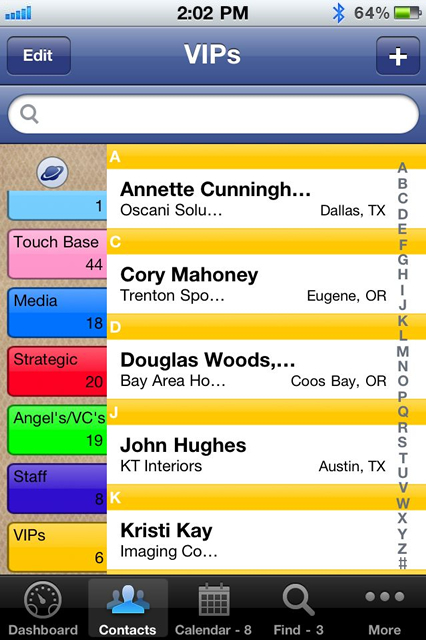
    2. Reorganize your Orbits (or groups, for those of you who aren't yet VIPorbit users) and the contacts in those Orbits. Have you added new contacts to the appropriate Orbits? 
    3. Review each contact and delete information that you know is outdated. Just like you need to sort through your closet to weed out the styles you no longer wear, you need to evaluate contacts for relevance and accuracy.
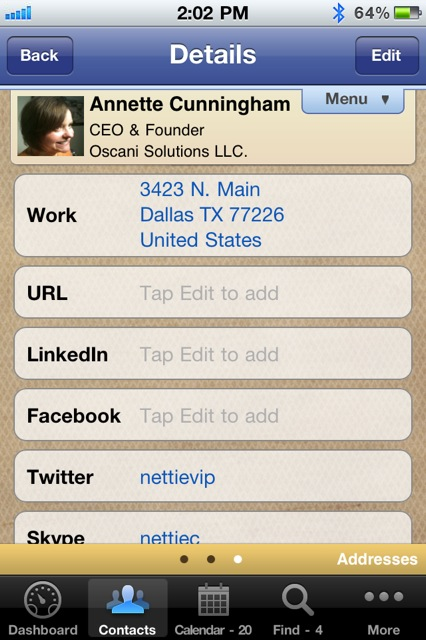
    4. Look up and add social networking information where you've previously left it blank. If you see a certain contact of yours is really active on a platform, try connecting with them there. They may be surprised to know you're there, too.
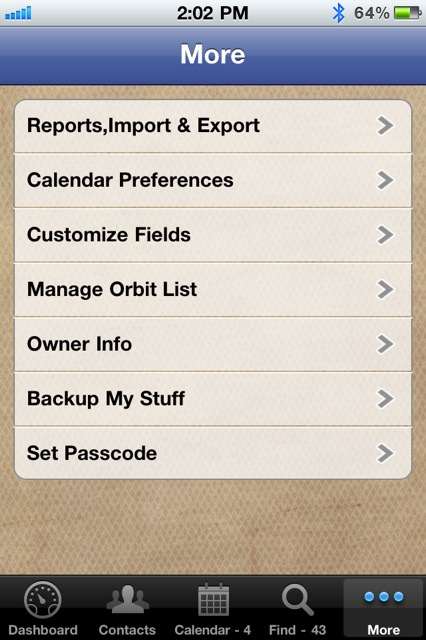
    5. Backup your stuff. Whatever steps you choose to spruce up your contact management system, the last step should be backing it up for safe keeping. Don't let all that effort go to waste should the unforeseen happen.

    In the process of your Fall cleaning, you'll undoubtedly come across contacts with whom you haven't interacted in a while. Take a minute or two to reach out to them in some way. Thank a client. Say hello to a old friend. Call your mom.

    Real relationship connections are emotional. Data isn’t. It’s simply the means to achieve the emotional connection.


  • Add comment

    We just spent a few days in Austin, Texas for the Texas Association of REALTORS® Convention. VIPorbit CEO Mike Muhney spoke during one of the breakout sessions. We also had a booth on the expo floor.

    It goes without saying that there is a lot of preparation to exhibit at a tradeshow, but the follow-up is no less crucial to ensuring that the entire event is a success. You get home, unpack your bags, catch up on email, and get ready to resume your normal business routine, right? Well, if your tradeshow experiences are anything like ours, you walked away with a stack of business cards from business contacts, maybe some of them potential customers. So what now? 

    Whatever method you use for extracting the contact data from those cards, you need to organize it and add to it any anecdotal information you discovered from your personal conversations with them. (Those notes you scribbled on the cards can be very useful!)

    The string of conversations and exchange of business cards can be overwhelming. Make the most of every moment with the appropriate follow-up action, email, or phone call. When you do follow-up, you'll strengthen the relationship by mentioning things you learned from the introduction. Those kinds of conversations build trust and open doors to future business opportunities.

    Still not convinced? Consider the following reasons you need more than the native iPhone Contacts and Calendar apps. With VIPorbit you can:

    1. Build Orbits, or groups, to organize your contacts any way you want
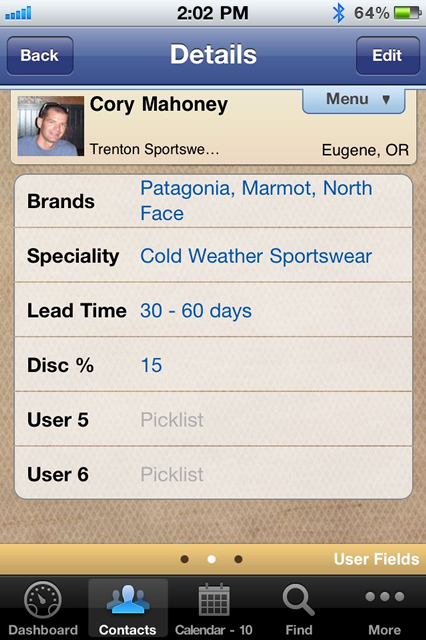
    2. Customize fields to track important details specific to the way you do business
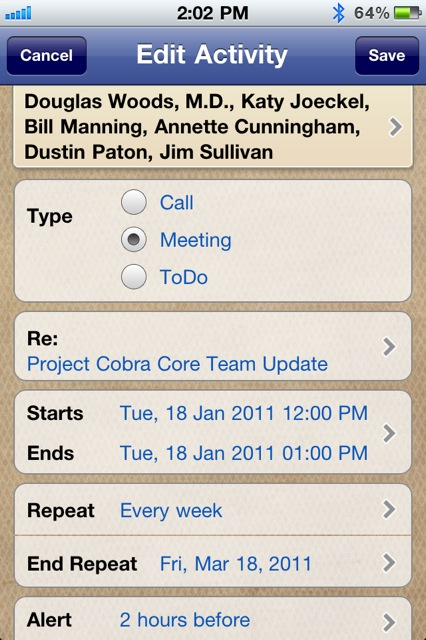
    3. Schedule with a single contact, an entire Orbit, or select contacts one-by-one
    4. Keep automatically generated history logs of all communication on each contact record
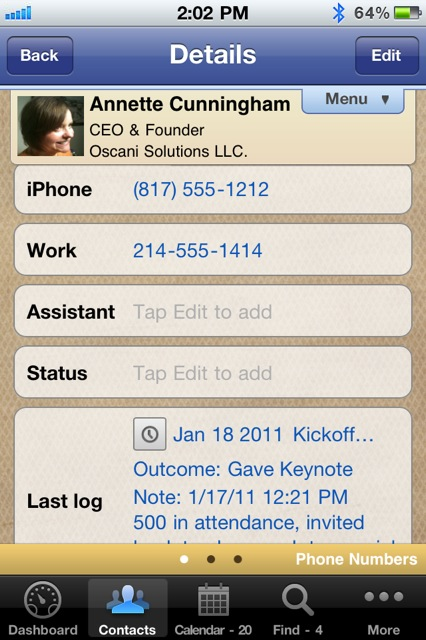
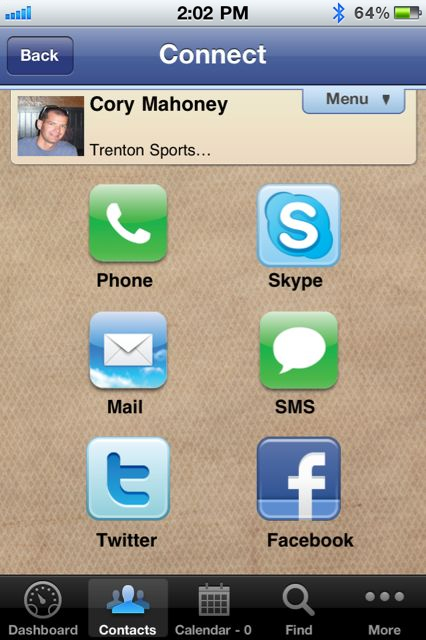
    5. Connect with contacts instantly via phone, text, email, Skype, Twitter, and Facebook

    Don't just add that stack of business cards to your Rolodex. Instead, use a contact manager and turn relationships into assets!


    Learn more at www.viporbit.com/features.

  • Add comment

    Ever wondered how certain apps and social media startups got their names? If so, you're not alone. In a recent Mashable article, "How Today's Hottest Startups Got Their Names," we learn the backstory of nine popular startups. Twitter, Spotify, Foursquare, and Zynga made the list. From drawing names out of hats to mixing up words to form new ones, the stories are as unique as they are surprising.

    As for VIPorbit, selecting a name was very simple. Here's the story:

    As the Co-Inventor of ACT!, a product that created the Contact Management category and is attributed to being the catalyst for the CRM industry, Mike Muhney was frustrated with the contact and calendar management functions on smartphones. Fueled by a love for technology and a passion for building valuable relationships, his creative juices started flowing. He wanted to create an app with the features that professionals use most on the device they have with them all the time. While the actual product design was taking place, he locked himself away in his home office and brainstormed meaningful app names...each one followed by a quick domain availability check.

    The naming concept was simple...Mike believes every contact should be treated as a VIP. Collecting, managing, and utliziling information about each contact helps people develop highly effective business connections. He wanted to reflect that concept in the name. Several iterations later, he combined the VIP-concept with the app's core feature that allows users to organize their contacts by customizable groups. In the product, they're called Orbits, which by definition means spheres of resource and influence. A quick domain check of "VIPorbit" and it was settled.

    But for VIPorbit users, the creativity and naming fun continues with the creation and naming of orbits within the app. Some users create orbits to organize contacts by upcoming events or travel, some create orbits based on the type of product or service each client is interested in, some have created orbits to organize contacts by the associations or organizations to which they belong. If you have a couple of minutes, you can watch this video of a VIPorbit user and check out the three most inventive orbit names we've heard of.


    By the way, we'd love to hear what you've named YOUR orbits. Feel free to comment on this blog, post them on our Facebook wall, or even share them in your own User Review Video! 

  • VIPorbit Vote for #Leader @MikeMuhney in the #SMBInfluencer awards. Why not set a reminder to VOTE once a day? VOTE NOW: t.co/SZg2u8cn
    6 hours 50 min ago.

News & Special Offers