Save Time & Keystrokes with Siri in VIPorbit
If you've got an iPhone 4S, you can use Siri in VIPorbit anywhere in the app you enter text. So instead of typing, you can speak and your words will be entered as text.
To start dictation, tap the microphone button on your keyboard and start talking. When you’re finished, tap "Done" and your words will be turned into text. It can be used anywhere in VIPorbit the keyboard is accessed.
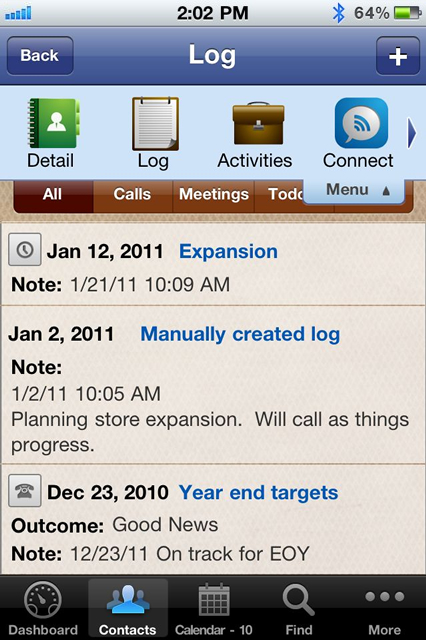
Image this scenario: You've just received a call from a client. You want to add detailed notes regarding the conversation on history log of the call on their contact record. So, you open their record, pull down the menu, tap "Log" and the plus to add a log. At the bottom, tap on "Notes" and your keyboard will pop up with the microphone to access Siri. Simply speak the detailed notes for the call and press "Done" to save.
Think about it...by speaking your words via Siri, you can elablorate with more valued content than tapping mispelled words on the phone's small keyboard. That added value might enable you to secure future business with this and all your clients going forward!
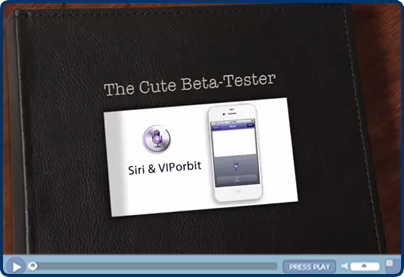
Want to see it in action? Watch a video of Siri in use with VIPorbit.