Guest blogger and veteran salesman Bas Reichgelt shares his techniques for managing opportunities with VIPorbit using dedicated contact records and custom fields.
I’ve heard most of the clichés about sales people. While a lot of things have changed during my career in sales, perceptions of sales people aren’t any more favorable now than when I started out. Whatever your notion of sales professionals may be, whether favorable or not, let me give you some insight from my experience.
Working in sales is tough. It requires long hours and hard work, neither of which guarantees a sale. I’ve known good times and bad ones. I’ve spent sleepless nights before a presentation for an executive team of blood hounds who would have eaten me alive if I hadn't prepared well enough. I’ve been stuck in traffic on the way to a prospect’s site because he or she wanted to meet face-to-face before signing a contract. I’ve had deals that slipped to the next quarter (along with my paycheck) making it difficult to cover the mortgage payment. I’ve exchanged strings of emails with corporate colleagues who all wanted to get involved in a successful deal. I’ve wished my commission checks were huge every month. I’ve wished I only needed to work part time and still earned a great salary. I’ve wished I could keep all the opportunity information to myself.
My name is Bas Reichgelt, and I’ve been a sales person my entire 30-year career. During that time, I’ve put together a process for myself, which helps me sell more, manage relationships better, and demonstrate care and attention to my clients. How? Relationship management. For the past couple of years with VIPorbit. It’s with me 24/7 and organizes all of the details of my contacts and opportunities.
For years, I have used all sorts of opportunity management systems, ranging from locally-run PC applications, like ACT!, to enterprise-wide systems like Siebel and Salesforce.com. But with every system I have used, the information I entered is automatically shared with those “up-the-chain” of command. The more promising the opportunity, the more people who called on me to “elaborate” on the opportunity. And the more people who were “involved,” the more time I had to spend internally, sending reports, explaining opportunities, burdened by politics. And every time something changed (and that was often), I had to sit myself behind my desk and update the systems records. Why? To satisfy the corporate need.
While sales people should communicate opportunities with managers in one way or another, it occurred to me that I could reduce this effort by only entering the information that was required and keeping the rest in a personal system. I’ve been a contact management application user for my entire career. I like to keep track of the little details that make a big difference when it comes to actually making the sale. And of course, I want to keep these details with me at all times. I found the perfect solution with VIPorbit. I already used it to manage my contacts and calendar, but I found a whole new way of tracking my opportunities, as well.
Let me explain how I do it:
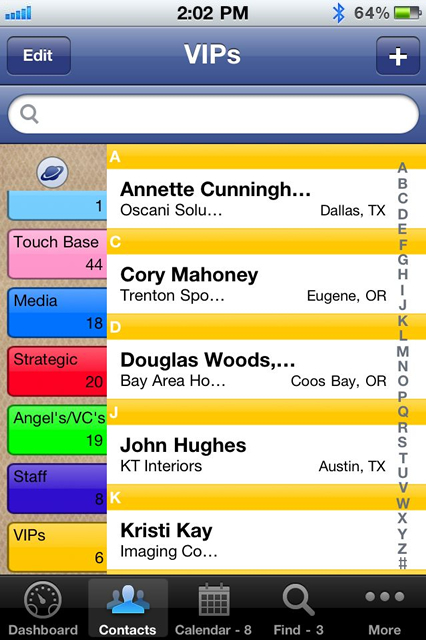
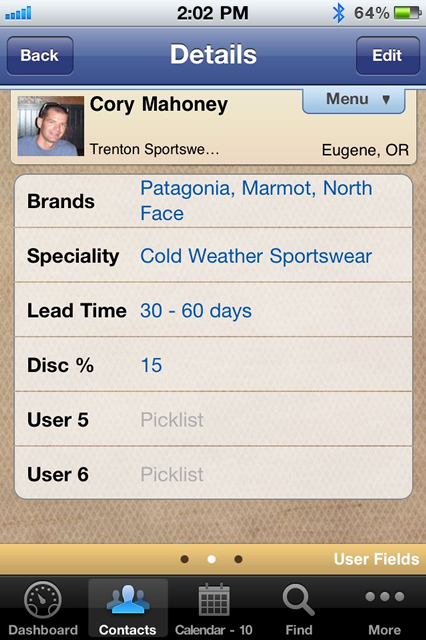
I created a few orbits to organize by quarter: Opps Q1, Opps Q2, Opps Q3, and Opps Q4. I sort my opportunities by the quarter in which I expect to close. I also put the opportunities in other orbits, for example, if an opportunity is with a specific partner, I will also put it in that specific orbit, or in the orbit of the account that I am selling to, and so on. Because I use VIPorbit as my opportunity manager as well as my contact manager, some of the user fields apply only to opportunities. For my actual contacts, I only use the first three fields.
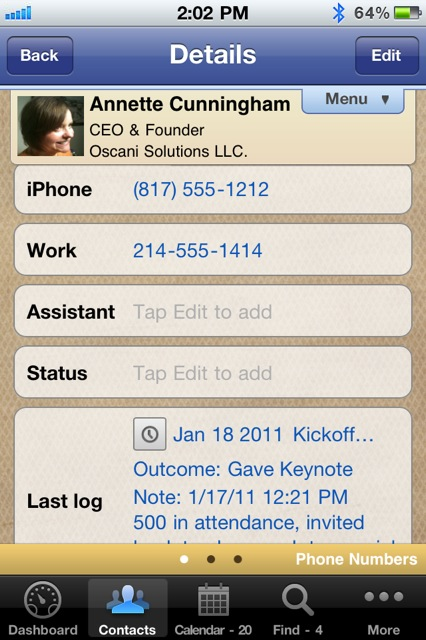
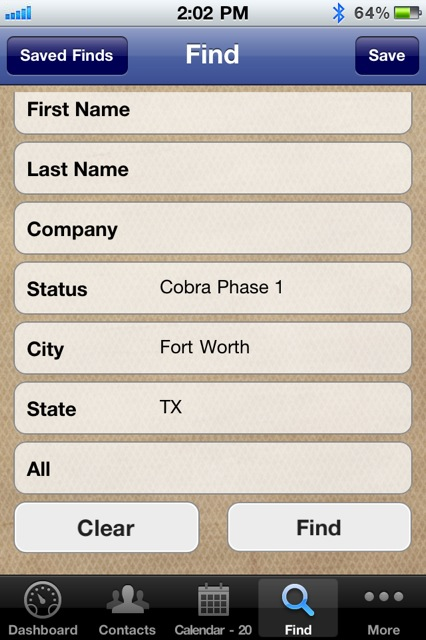
To manage opportunities within VIPorbit, first I create a unique contact record for each opportunity. Then in the “First Name” field, I always enter “Opp:” enabling me to search by First Name to create a list of all my opportunities. Next, in the “Last Name” field, I enter the opportunity description. In the “Title” field, I enter the opportunity amount. And last, in the “Company” field, I enter the organization or person with whom I am dealing. I customize the user fields (4-14) to effectively manage opps.
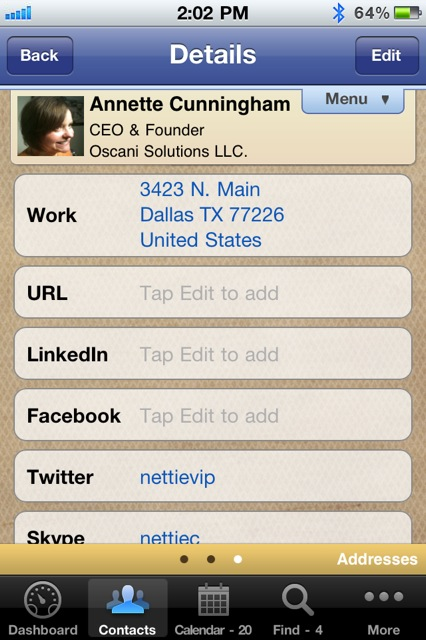
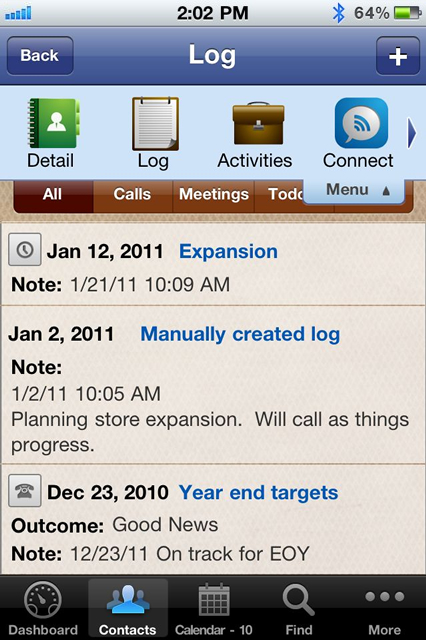
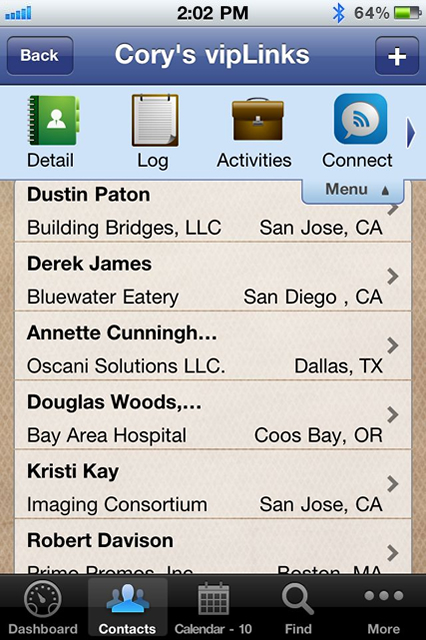
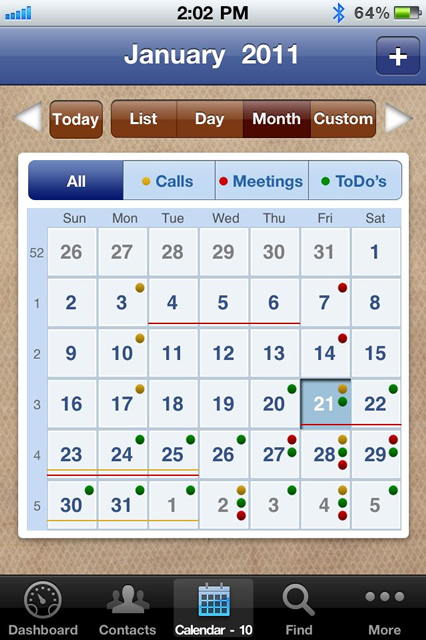
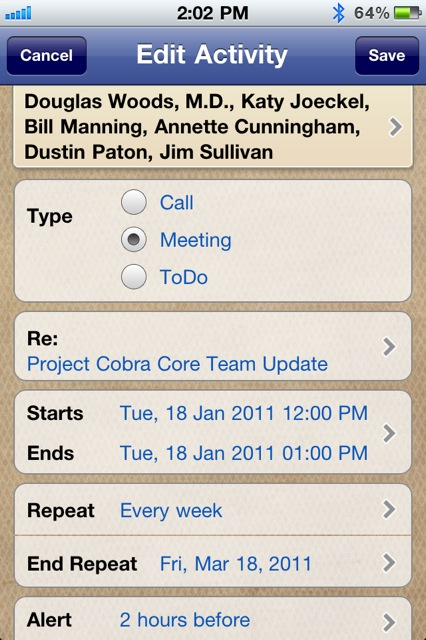
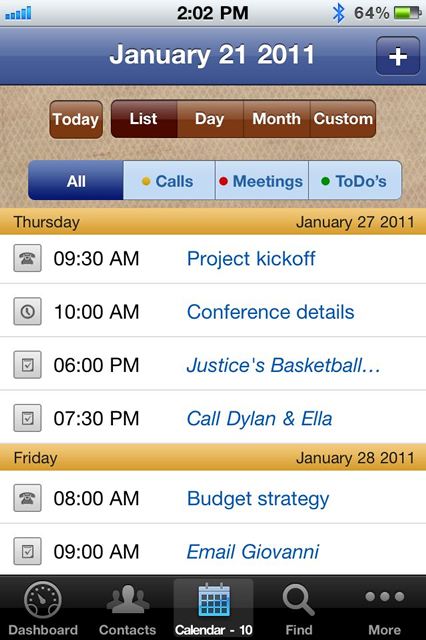
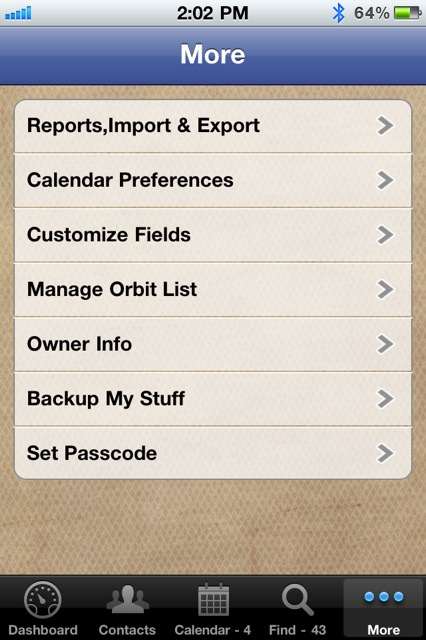
Here are a couple of screen shots:
With the log, I am able to track my progress with ease. This feature alone has been invaluable on the occasion when I’m asked to prove why I deserve the full commission check. With one easy-to-run report, I can present the complete history of the opportunity. If I need to communicate something to all the people involved in the opp, not only is it a simple tap of a button to do so, it is automatically logged. If my manager asks me about an opportunity, perhaps because his manager is nagging him, I simply run a report and send it over. He is fully informed and looks good. And I look good, too.
Even though VIPorbit is not strictly designed for opportunity management, I have yet to find an app that does the job better, is with me 24x7, and has these customizable features to help me close more deals. Best of all, I can keep an eye on all of my opportunities without broadcasting them across the whole enterprise. It’s in my own little black book, tucked away until I need it. Even if an opp’s estimated close date is a long way out in time. That upgrade that needs my attention in 25 months’ time will pop up when it’s time to do so. I can forget about it until then and focus on my current opps.
The system is my own. I use it to close more deals. I share my opps when I want to, and not the other way around. No “big brother” is watching every little move I make or entry I edit. It is tailored to suit my needs. It guides me through the sales process. It helps me communicate accordingly.
For those of you in Sales, I hope you find value in my personal adaptation of VIPorbit for opportunity management.
Happy selling,
Bas